
£7.50
On Hold
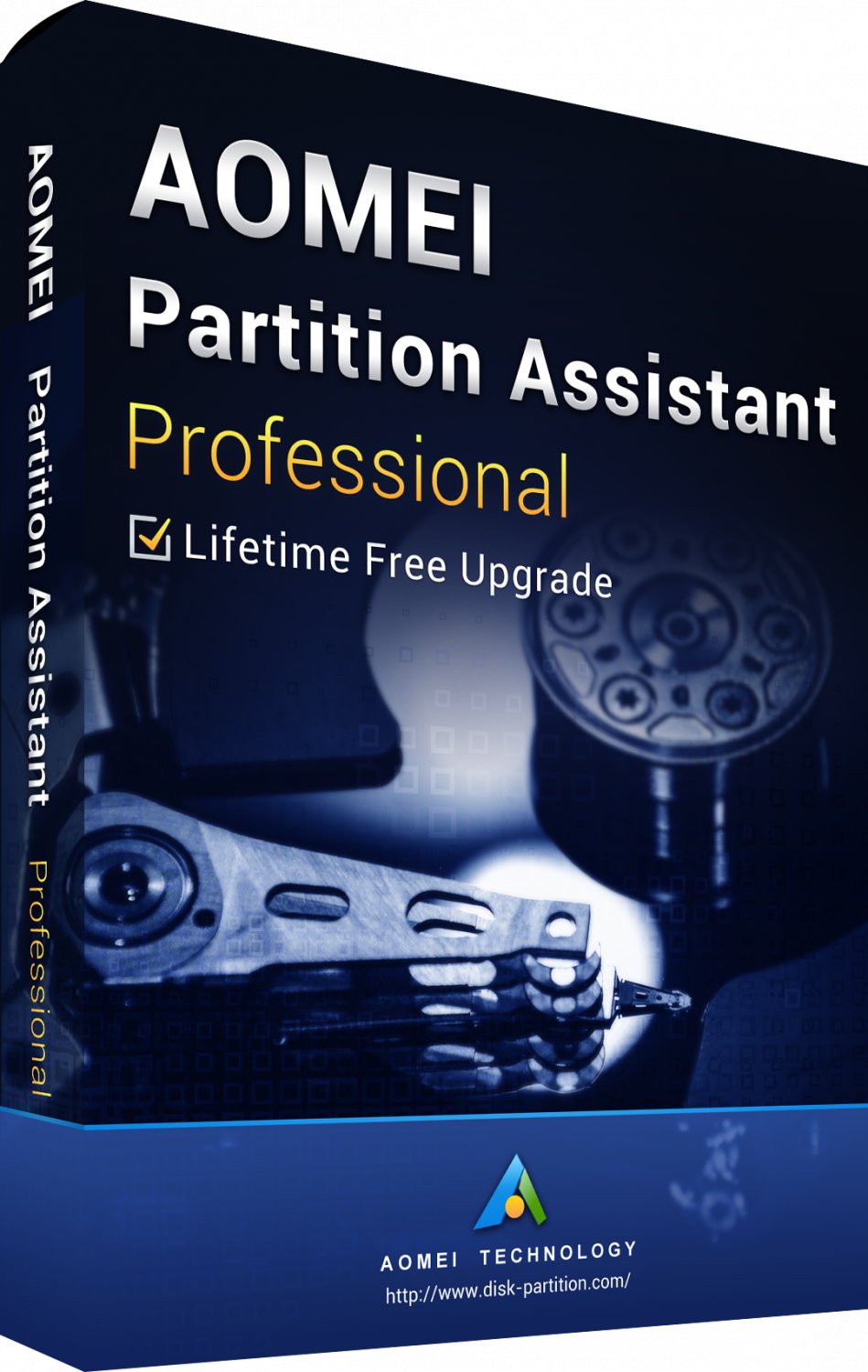
AOMEI Partition Assistant Pro 8.5 Lifetime Windows Region Free Multilanguage Digital Delivery
2 available
Details
Shipping: United Kingdom: free (more destinations)
Condition: Brand new
Returns: does not accept (more)
No box, no CD, no physical delivery!
Delivery time 1-24 hours!
After payment you will receive: a registration key to activate AOMEI Partition Assistant Pro 8.5, as well as a link to download the program.
OS Support: Windows
This is a lifetime license
Updates to newer versions are not available.
Installation:
1. Download Aomei Partition Assistant version 8.5 and install on your computer
2. Launch the AOMEI Partition Assistant tool, click the "Register" button in the top menu, enter the purchased license key and activate the professional version.
Description:
The universal program AOMEI Partition Assistant Pro will help you create, delete, resize disks of a computer or laptop, format and merge partitions without losing important data, transfer the Windows operating system to another hard drive or SSD-drive.
Make a bootable Windows PE CD / DVD or USB to troubleshoot Windows operating system problems and recover data when it stops loading.
AOMEI Partition Assistant Pro Disk Management Features
Quickly resize, resize, move, expand, merge, create, delete, format and erase Windows partitions.
The ability to convert a system or boot disk between MBR and GPT schemes.
Aligning partitions to optimize HDD and SSD performance.
Transferring the operating system from HDD to SSD and vice versa.
Converting a primary partition to a logical drive and vice versa.
Formatting from FAT32 to NTFS and vice versa.
Allocating free space from one partition to another.
Checking disks and partitions for errors.
Copy disc wizard.
Delivery time 1-24 hours!
After payment you will receive: a registration key to activate AOMEI Partition Assistant Pro 8.5, as well as a link to download the program.
OS Support: Windows
This is a lifetime license
Updates to newer versions are not available.
Installation:
1. Download Aomei Partition Assistant version 8.5 and install on your computer
2. Launch the AOMEI Partition Assistant tool, click the "Register" button in the top menu, enter the purchased license key and activate the professional version.
Description:
The universal program AOMEI Partition Assistant Pro will help you create, delete, resize disks of a computer or laptop, format and merge partitions without losing important data, transfer the Windows operating system to another hard drive or SSD-drive.
Make a bootable Windows PE CD / DVD or USB to troubleshoot Windows operating system problems and recover data when it stops loading.
AOMEI Partition Assistant Pro Disk Management Features
Quickly resize, resize, move, expand, merge, create, delete, format and erase Windows partitions.
The ability to convert a system or boot disk between MBR and GPT schemes.
Aligning partitions to optimize HDD and SSD performance.
Transferring the operating system from HDD to SSD and vice versa.
Converting a primary partition to a logical drive and vice versa.
Formatting from FAT32 to NTFS and vice versa.
Allocating free space from one partition to another.
Checking disks and partitions for errors.
Copy disc wizard.
You may also be interested in:
-
£40.53
-
£14.19
-
£51.88

-
£39.45

-
£44.32

-
£167.53

-
£337.77

-
£33.78
-
£188.61
-
£9.38


 UA, Sumy region
